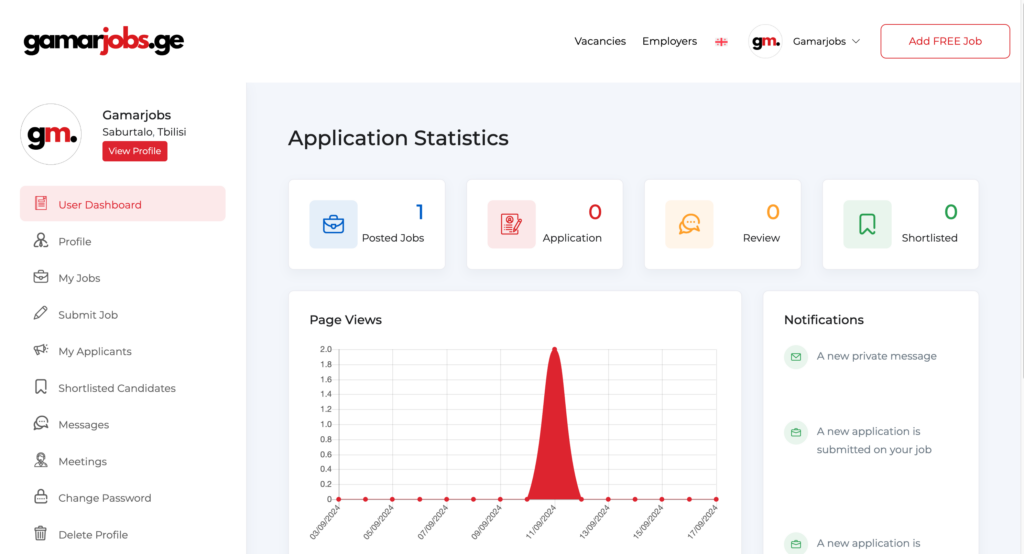
1. Register or log in to your User Dashboard.
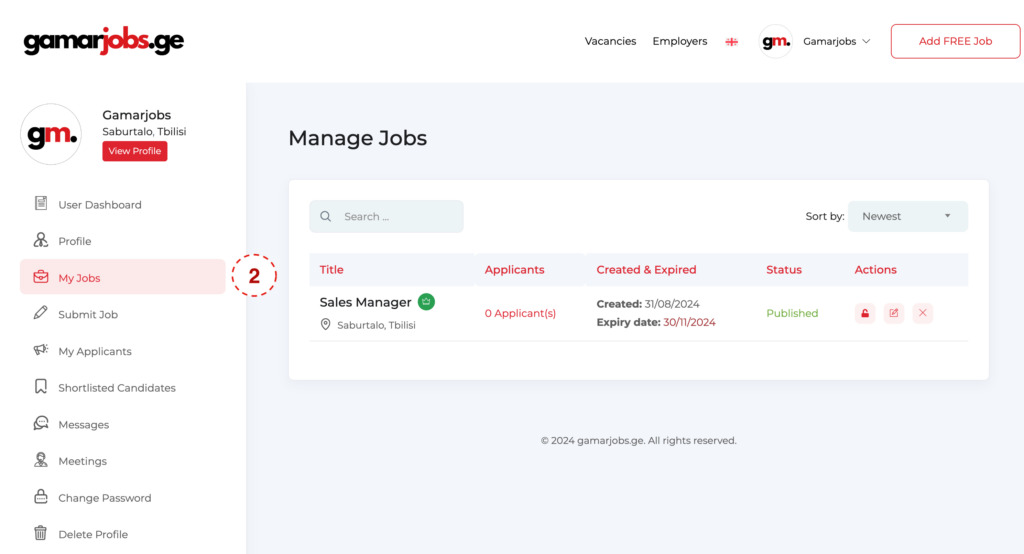
  1. Navigate to the “My Jobs” section.
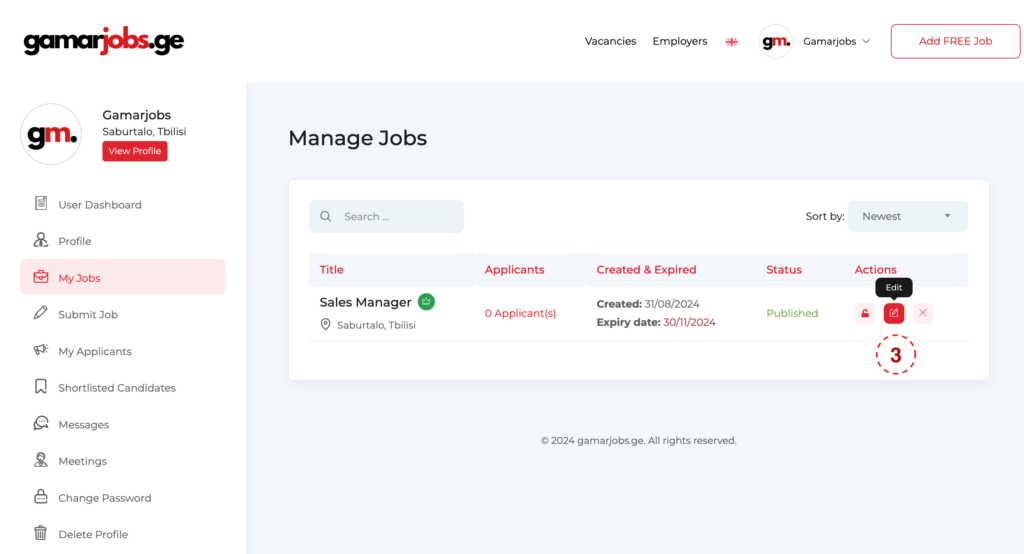
  1. Select the vacancy you wish to promote and click the “Edit” button.
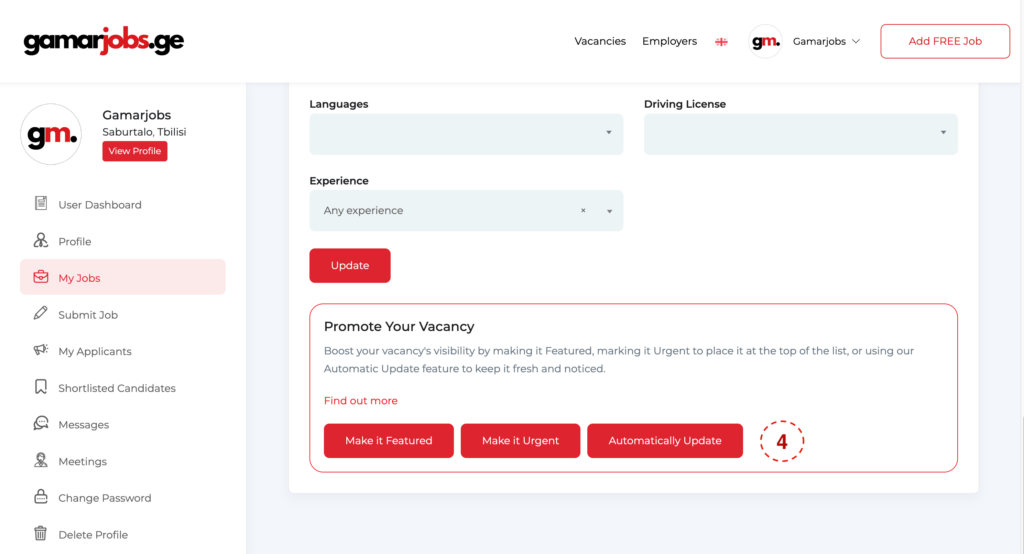
  1. Scroll down to the promotion options, select your preferred method, and click the corresponding button.
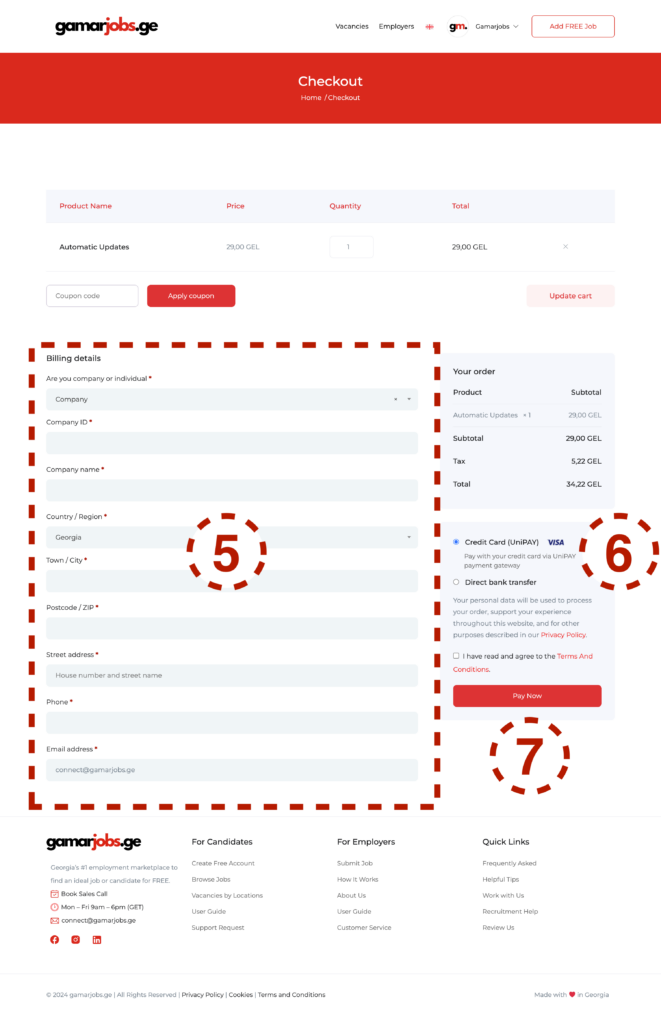
  1. Complete all required fields.
  2. Choose your payment method and agree to the Terms and Conditions.
  3. Click the “Pay Now” button.
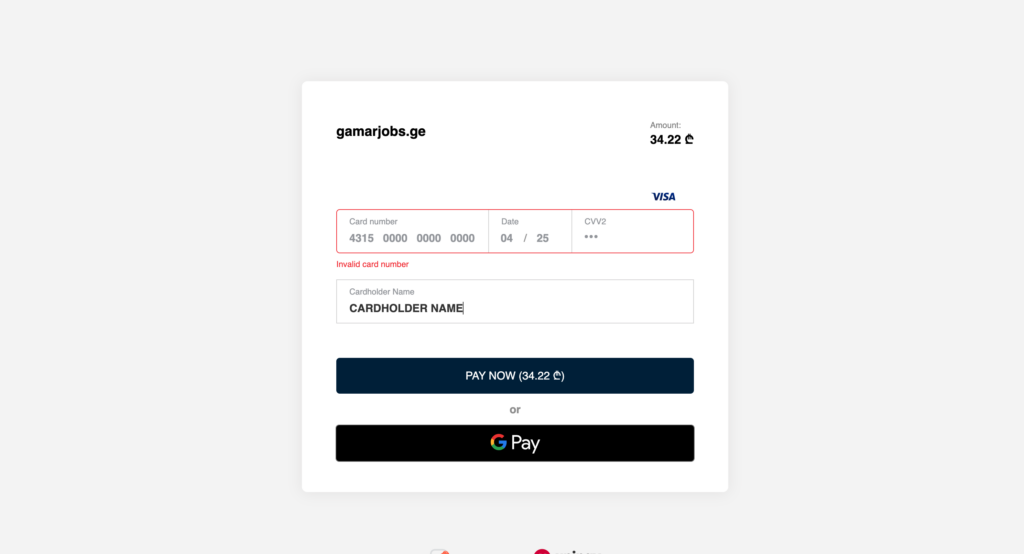
  1. If paying by card, enter the required details and click “Pay.”
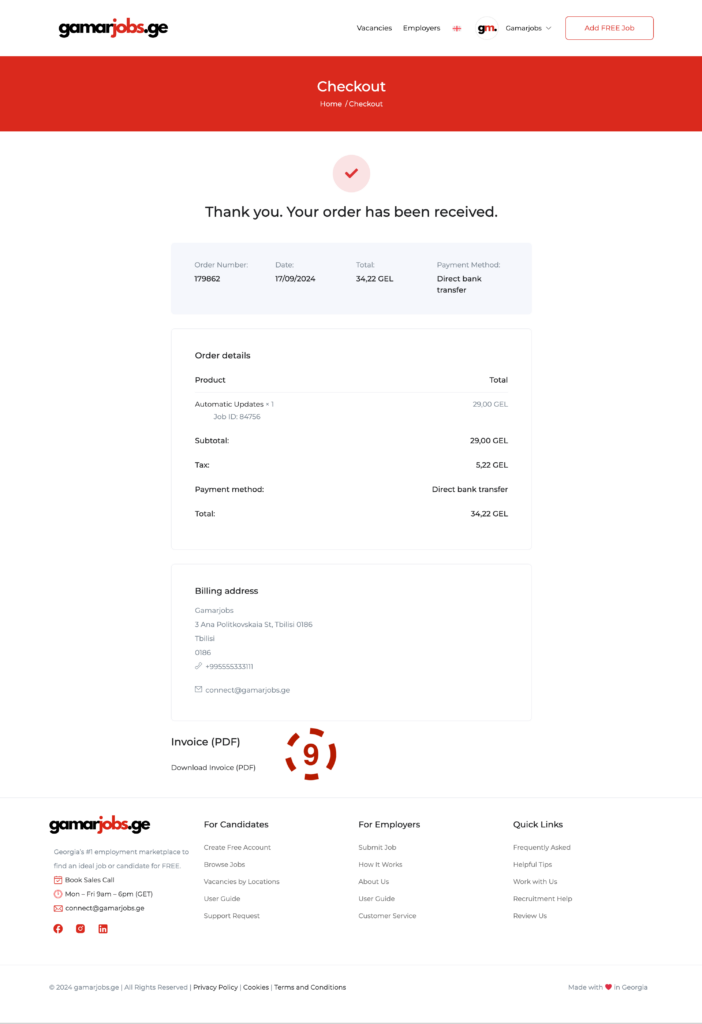
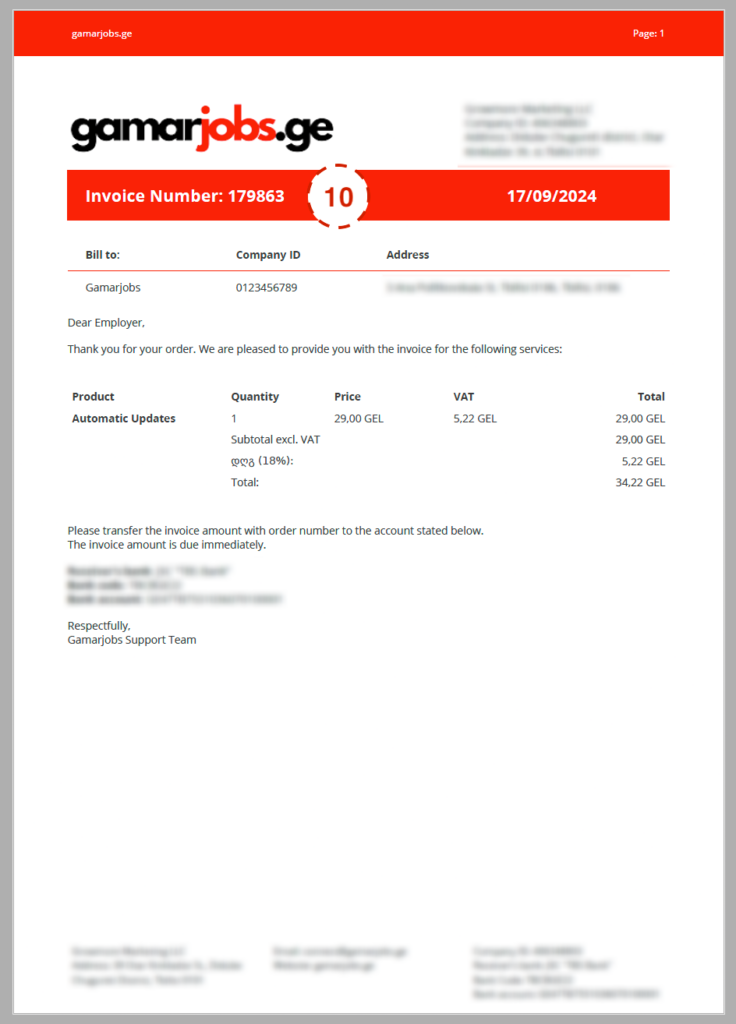
  1. If paying via direct bank transfer, download the invoice from the provided link. A copy will also be sent to your email.
  1. Ensure that you include the invoice number in your payment reference.

Once payment is received, your vacancy will be updated to the paid status within two business days.